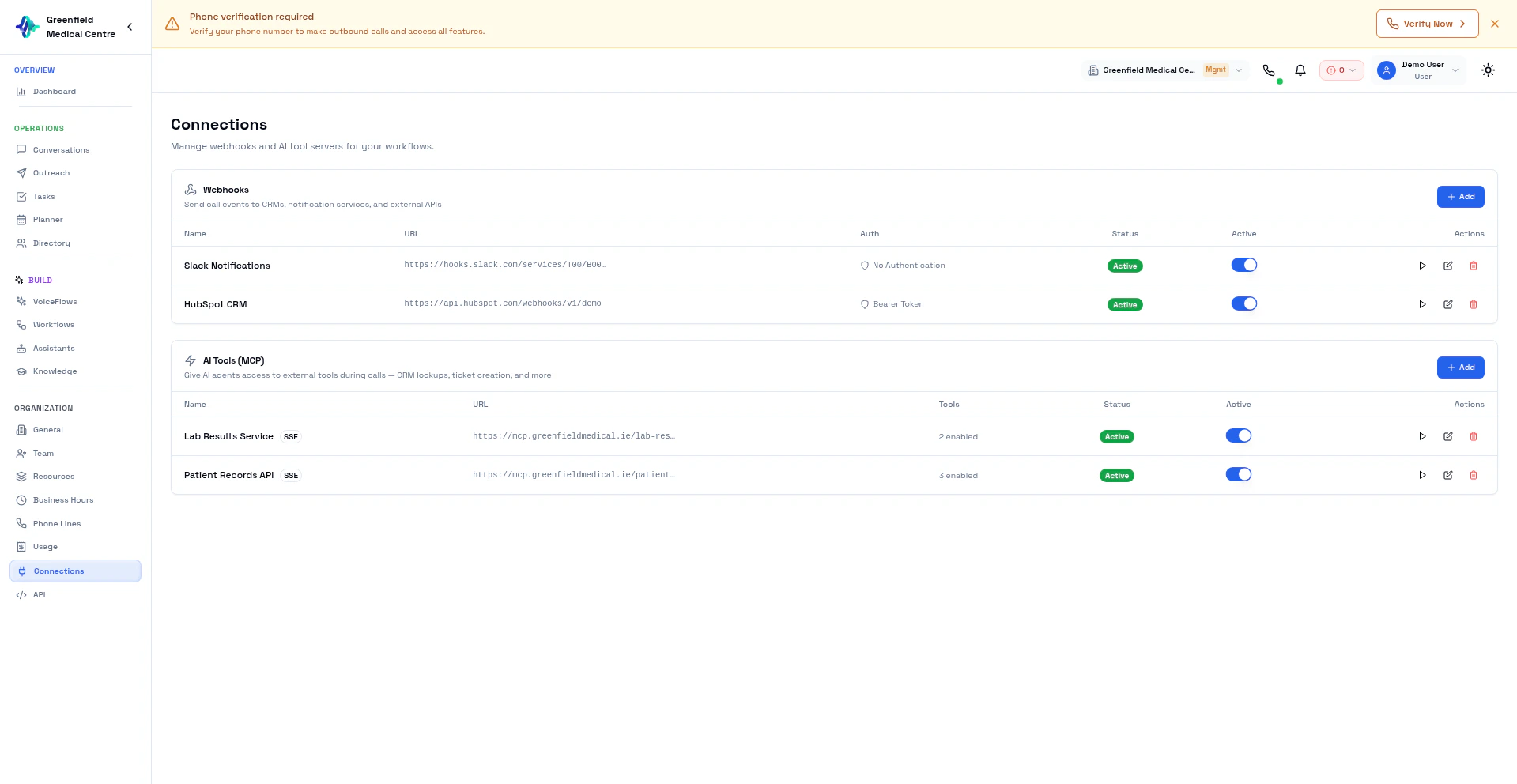
Integration Types
Webhooks
Send real-time call events to any HTTP endpoint. Trigger workflows in n8n, Zapier, or your own systems when calls complete.
MCP Servers
Give your AI assistants access to external tools during live calls. Query CRMs, check orders, book appointments — all in real-time.
Webhook Endpoints
Register URLs that receive POST requests when call events occur:- call.completed — Full transcript, recording, and summary
- call.initiated — Call started dialing
- call.answered — Call was picked up
- call.failed — Call failed to connect
MCP Servers
Register MCP (Model Context Protocol) servers that your assistants can use during calls:- Connect to any SSE-based MCP server
- Preview discovered tools before enabling
- Whitelist specific tools per VoiceFlow
Next Steps
Webhooks
Set up webhook endpoints
MCP
Connect MCP servers
Automation
Build workflows with n8n and Zapier