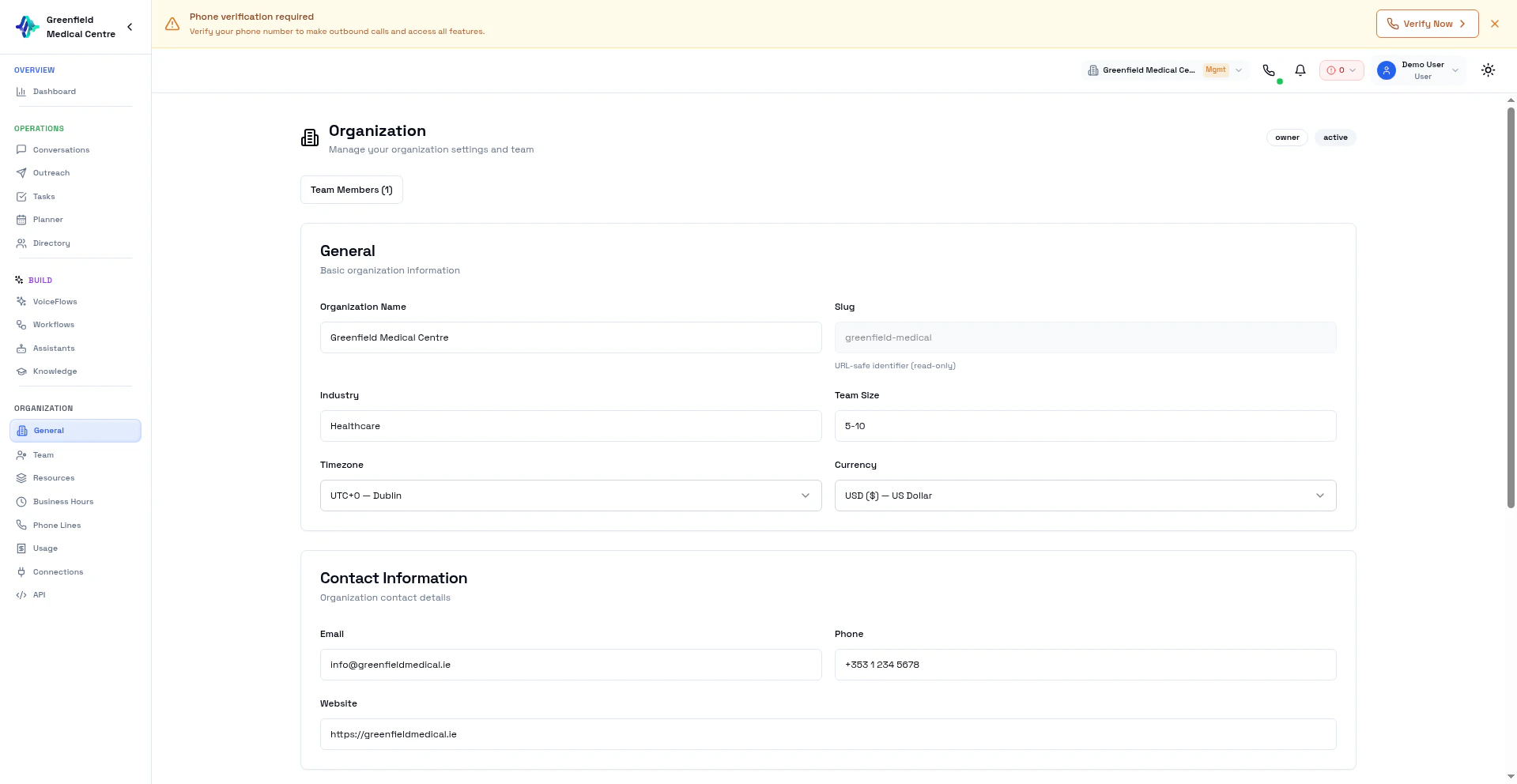
General Settings
Navigate to General in the Organization section to configure:- Organization Name — Your company or team name
- Timezone — Default timezone for scheduling and reporting
- Twilio Credentials — Connect your own Twilio account (Account SID, API Key, API Secret, TwiML App)
Bring Your Own Keys (BYOK)
Enterprise organizations can use their own API keys for AI providers instead of EolasFlow’s shared keys. This gives you full control over costs and rate limits. Supported BYOK providers:- OpenAI
- ElevenLabs
- Cartesia
- Groq
- Sarvam
- And more
Team Members
Navigate to Users in the Organization section to manage your team.Invite Members
1
Go to Users
Navigate to Users in the Organization section.
2
Invite
Click Invite Member and enter their email address.
3
Set Role
Choose their role:
- Admin — Full access to all settings and resources
- Member — Access to workspace features (VoiceFlows, contacts, conversations)
Manage Members
View all team members, their roles, and last activity. Remove members or change roles as needed.Multi-Tenancy
All resources in EolasFlow are organization-scoped:- Assistants created by any team member are visible to the whole organization
- Contacts, VoiceFlows, and conversations are shared within the organization
- Phone lines and credits belong to the organization
For white-label branding, sub-organization management, and BYOK, see Enterprise.
Next Steps
Phone Lines
Set up phone numbers for your organization
Usage & Billing
Monitor credits and spending
Connections
Set up webhooks and MCP integrations
API Access
Generate API keys for programmatic access
Enterprise
White-label, sub-orgs, and BYOK